Direct Checkout Link
Every product has links that open it ready to buy. Paste one anywhere a link can go: a newsletter, a social post, a QR code on a flyer, or a button on any web page.
Nothing to install, and the page they open is BookFunnel's, so it works whatever your Allowed Websites for Sales list says.
Where to find them
In your BookFunnel dashboard, under Direct Checkout Link, in your Products list and on each product's page. Each link has Open, Copy and a QR code. The ? beside the heading explains which links show offers.
The product's two links
A product has two links. Both open a page with the book, its cover and its formats to choose from. The reader picks one and presses Buy, which takes them to the checkout.
| Link | Address | Offers at the checkout |
|---|---|---|
| With Upsells | https://staswbf.bookfunnel.com/product-id | Yes, any you have set up |
| Without Upsells | https://staswbf.bookfunnel.com/product-id/lite | None |
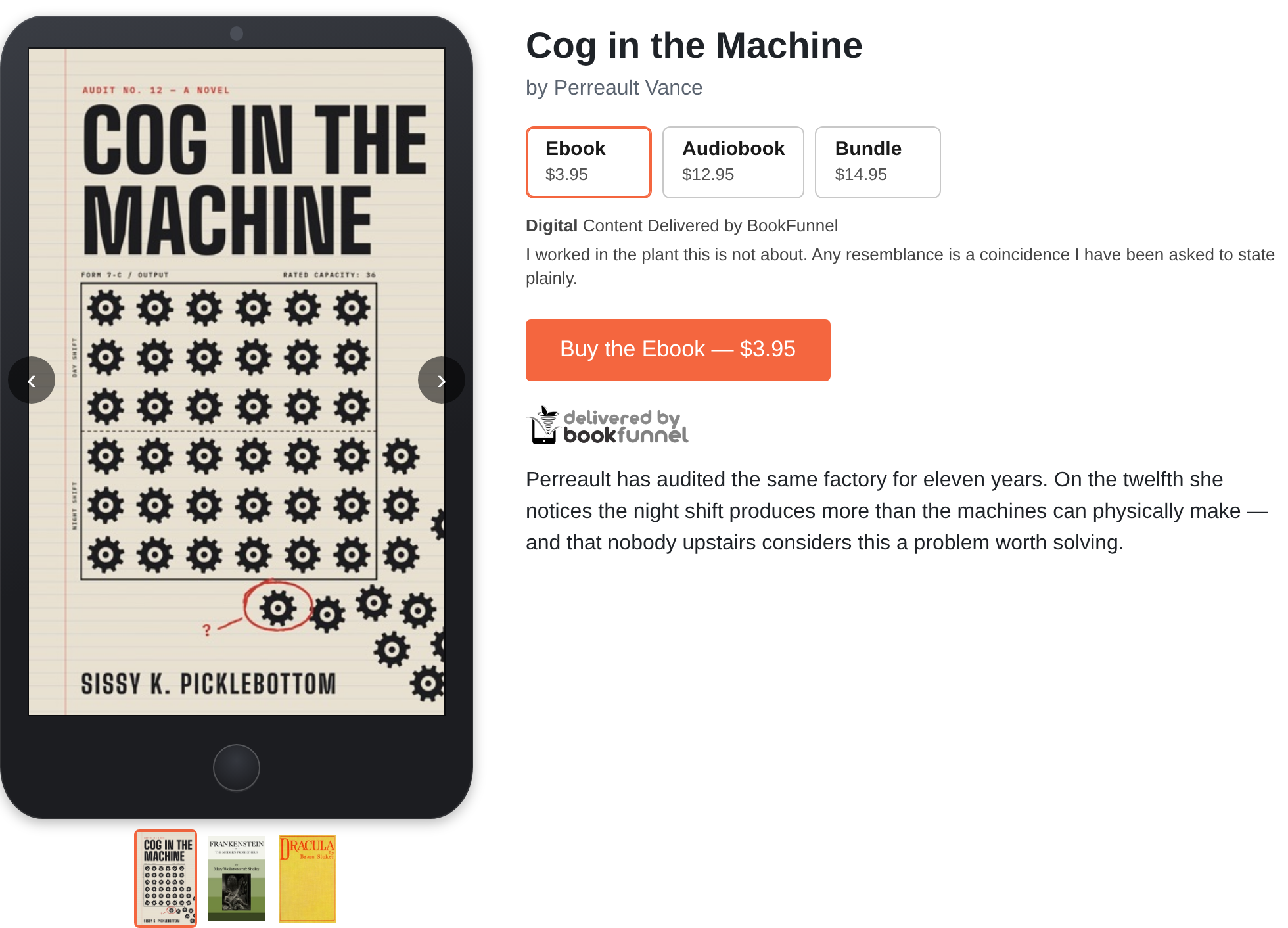
A link for each format
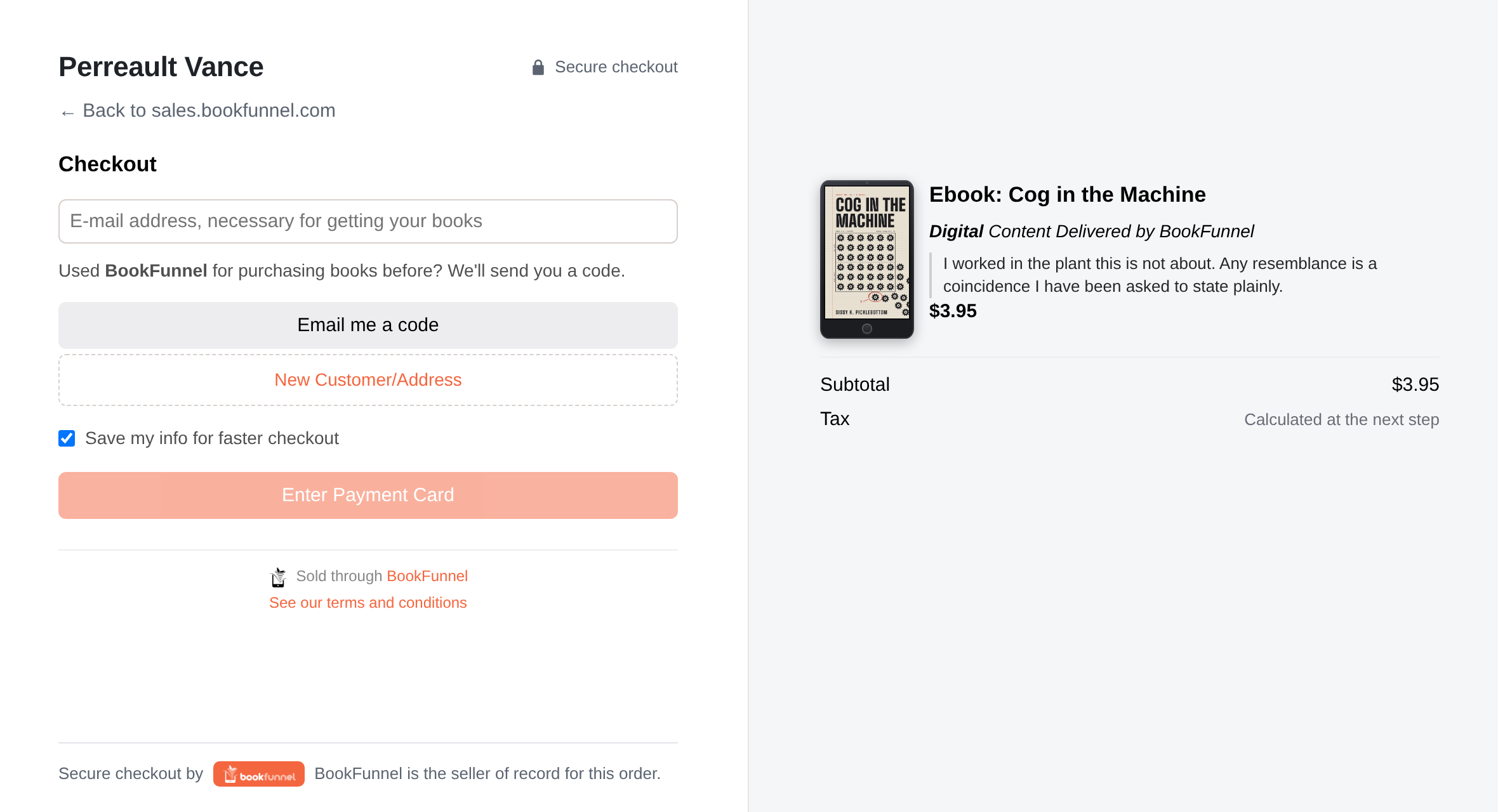
Each format has a link of its own, https://staswbf.bookfunnel.com/format-id.
It skips the choosing and goes straight to the checkout with that format.
It never shows offers: a reader who clicked "Get the audiobook" gets the
audiobook and nothing else.
After they pay
The reader comes back to the link's page, which thanks them and links to the book. The receipt goes out by e-mail, and their orders are at https://staswbf.bookfunnel.com/myorders.
Which to use
- Announcing a book to people who might want any format: the product's link, With Upsells.
- A link that must stay simple, such as a QR code or a reader magnet's follow-up: Without Upsells.
- A link that names a format ("the audiobook is out"): that format's link.