
On a BookFunnel Landing Page
BookFunnel already hosts a page for your book: your Universal Book Link (UBL) landing page. With selling switched on, that page sells the book itself.
This is the way to sell if you have no website, or would rather not touch the one you have. BookFunnel runs the page; there is nothing to install and no code to paste.
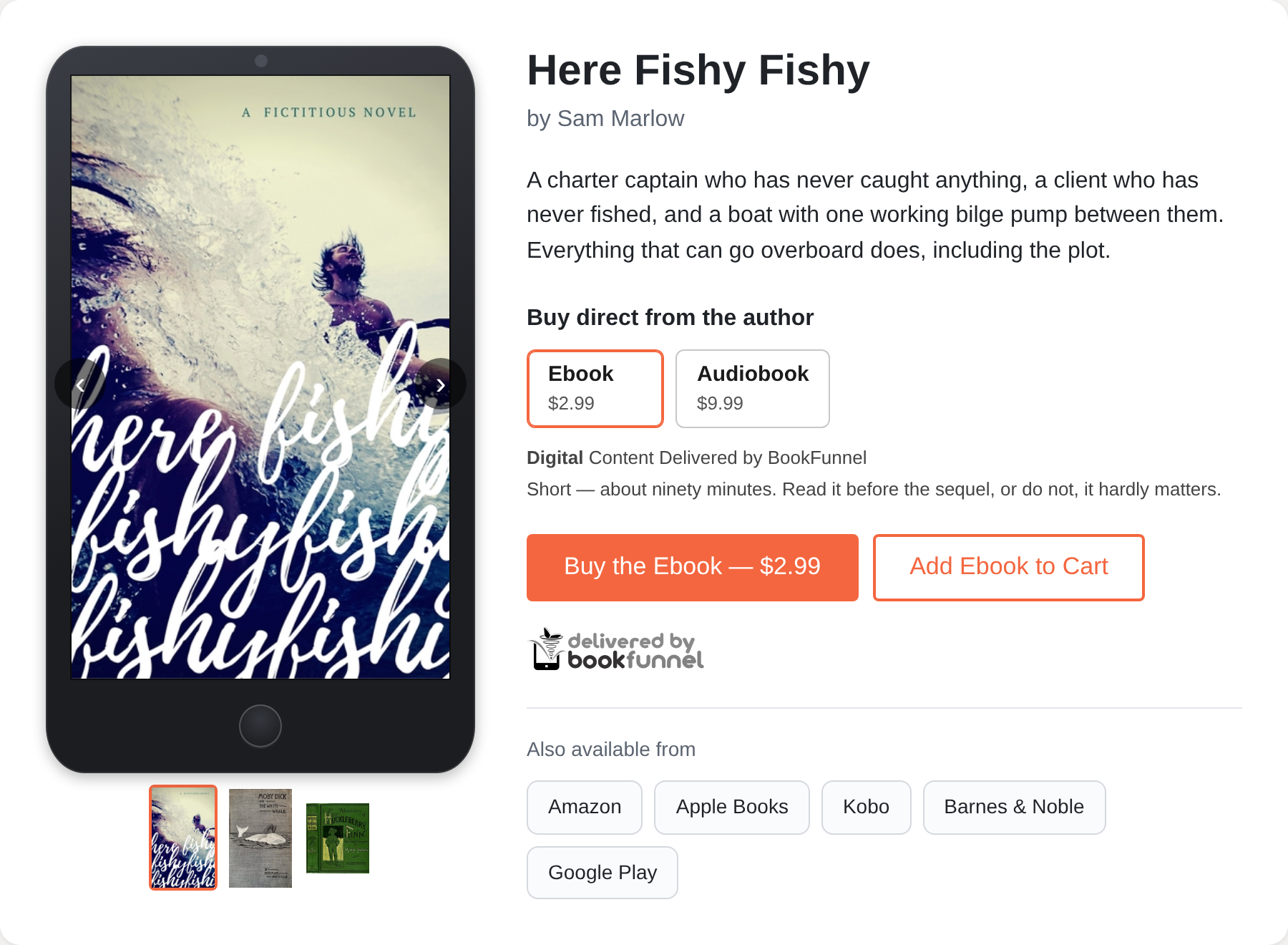
What the reader sees
- Each format you sell, with its price, the first one chosen.
- A Buy button for the format chosen, and Add to Cart for a reader buying more than one thing.
Buy takes them to BookFunnel's secure checkout. Once they have paid, they are thanked and given the link to their book, and the receipt goes out by e-mail.
Setting it up
- Set up the product: its formats and prices.
- Connect the product to the book's landing page in your BookFunnel dashboard.
The dashboard screens are still being finished. This page will name the exact setting when they are released.
Things to know
- Allowed Websites does not apply. A landing page is BookFunnel's own page, so it can sell your books whatever your Allowed Websites for Sales list says.
- The same book, more ways. The landing page sells the same product as your direct checkout links, your website and your storepage. A price changed on the product changes everywhere at once.